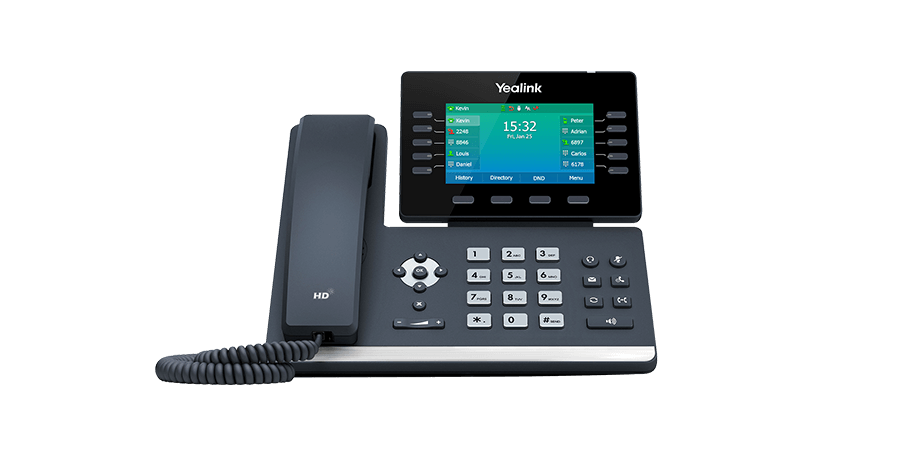
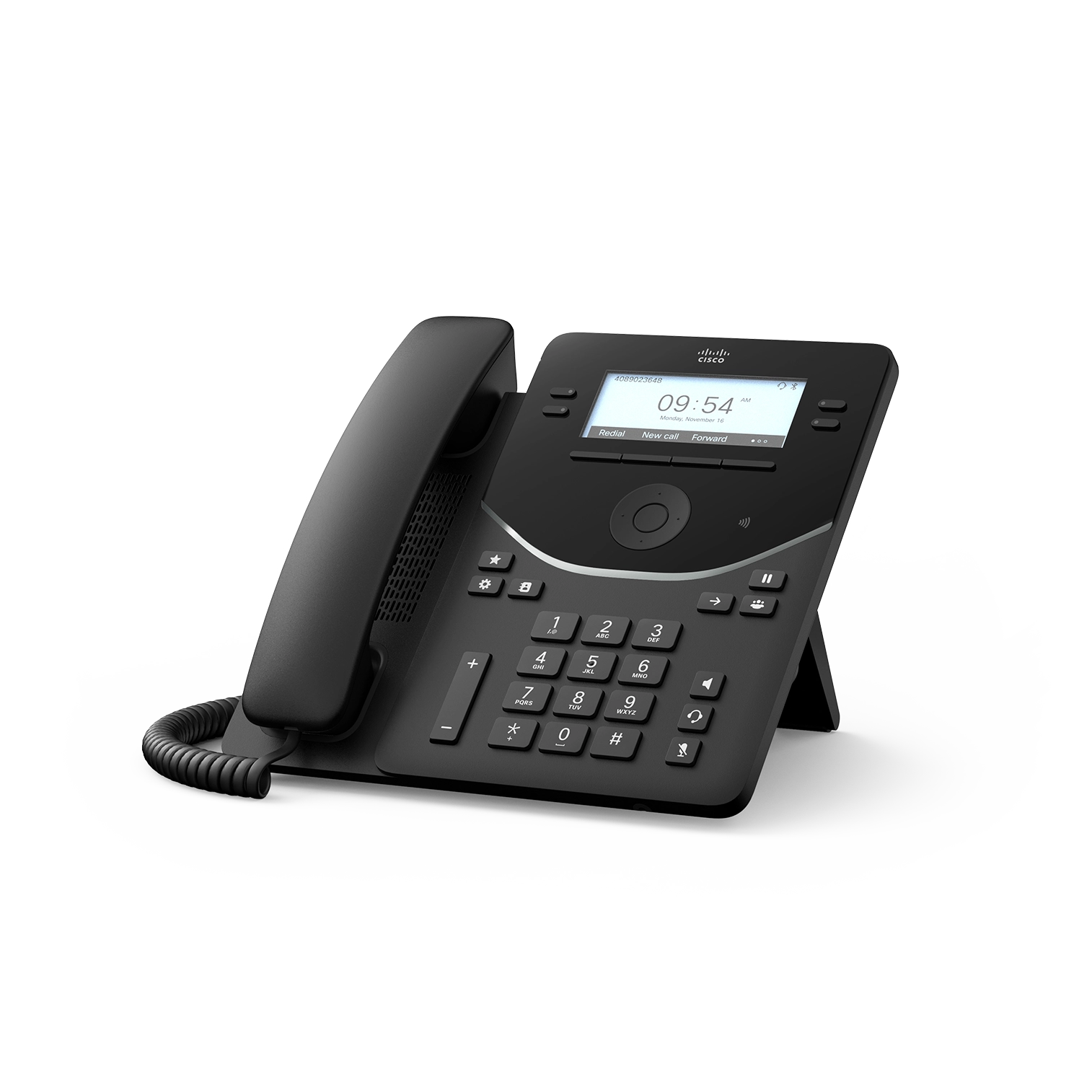
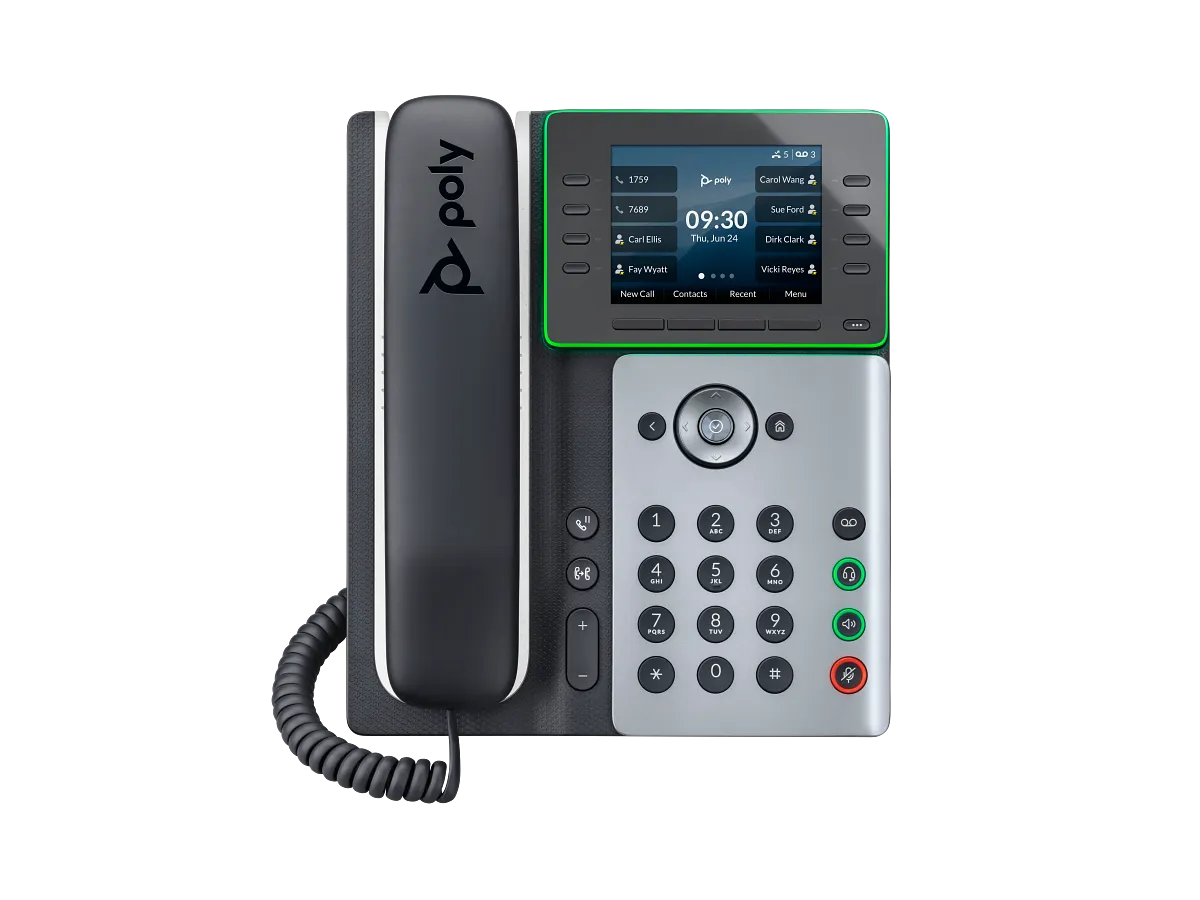
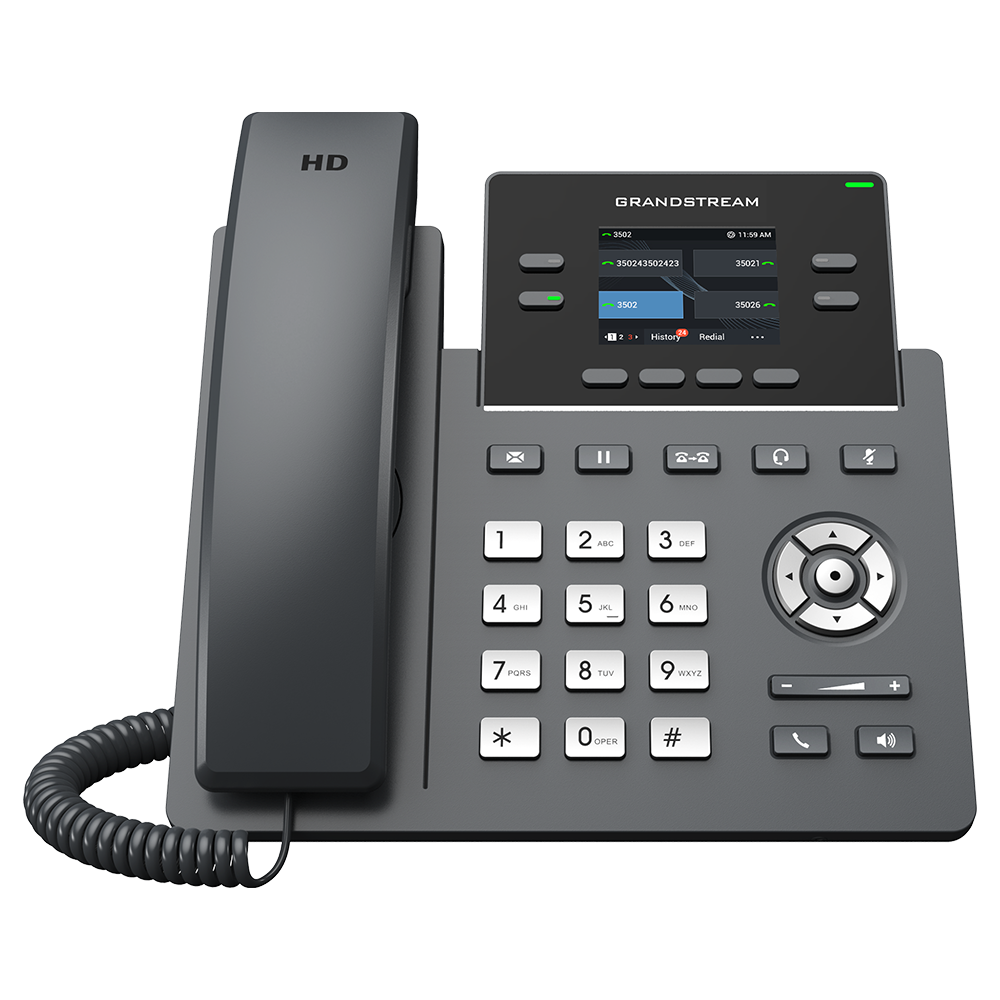
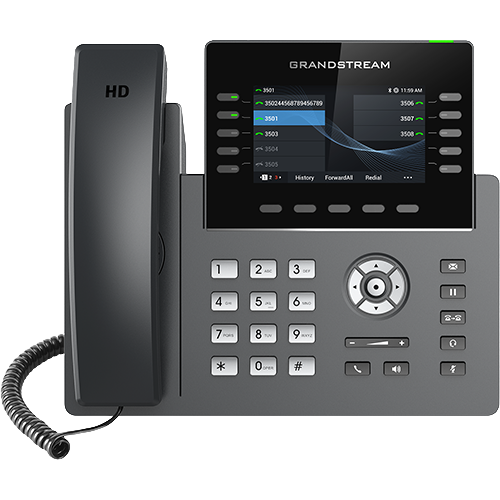
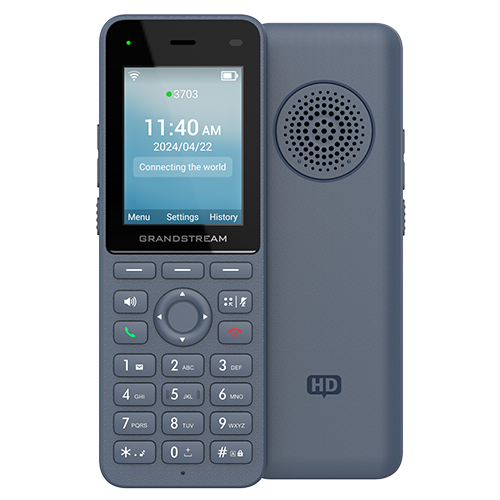
Buy for the person using the phone
A receptionist may need a headset and reliable attended transfers. A common-area phone may need a simple keypad and restricted permissions. A mobile worker may need cordless coverage and predictable charging. These requirements matter more than a generic ranking of feature counts.
Verify the exact model
Check the SKU, firmware track, power method and provisioning compatibility. Built-in Wi-Fi differs from support through an optional adapter. A family name does not establish how many keys, accounts or network ports a particular model has.
For used hardware, verify administrative access and release from any prior provisioning service. A factory reset does not by itself prove that a device is free of an external enrollment relationship.
Test before bulk deployment
Pilot the exact phone with the intended PBX or provider. Confirm incoming and outgoing calls, sound, hold, transfer, voicemail indication, headset behavior and recovery after restart. Record firmware and configuration versions with the result.
Use the IP phone introduction to understand the endpoint's role, then match purchasing decisions to business requirements. Model-specific specifications should be tied to manufacturer evidence, with lifecycle uncertainty made explicit.
Treat door stations as physical-access systems
A door-entry intercom can combine SIP calling with camera, identity, relay and mobile-management functions. A successful SIP call does not prove that the lock, request-to-exit input, door sensor, emergency release or credential lifecycle is safe. Give physical-access engineering, privacy, network security and PBX acceptance separate owners and tests.
Treat paging adapters as building-audio interfaces
An IP paging adapter can bridge SIP or multicast into an existing amplifier, but it does not validate the speaker load, zoning, priority, intelligibility or emergency-notification design. Inventory the analog interface and operational ownership before selecting the network endpoint.
Treat IP ceiling speakers as installed building audio
An IP ceiling speaker combines a network endpoint, amplifier, loudspeaker and sometimes a microphone above an occupied space. Select the mounting form, PoE budget, SIP or multicast path, coverage, sound-pressure boundary, privacy controls and supervision before choosing a model. A successful registration or audible test tone does not establish intelligibility, safe volume, building-code acceptance or suitability for emergency notification.
Treat guest-room phones as managed room infrastructure
A hotel or guest-room phone combines a simple user interface with room identity, service keys, emergency policy, privacy, centralized provisioning and turnover between occupants. Preserve a bounded dial plan and a recovery path when the PBX, network or power path is unavailable. A compact casing or customized faceplate is not evidence that those operating controls are correct.
Treat Android video phones as managed computing endpoints
An Android video desk phone combines SIP, camera, microphones, display, applications, network interfaces and device management. Choose the voice and video workflow before adding applications. App compatibility, permission, account, update and data-retention controls remain separate from SIP registration, and a camera privacy shutter does not replace room, recording or conferencing policy.
Treat Teams phones as tenant-managed endpoints
A Microsoft Teams desk phone combines certified hardware with a Teams account, licence, policy, application and firmware lifecycle. Decide whether the position is personal, shared or common-area before selecting the device. Current certification for an Android generation does not prove that an arbitrary hardware variant, software mode, tenant policy or PSTN service is ready for the intended deployment.
Treat analog adapters as electrical interfaces
An analog telephone adapter or FXS gateway can preserve a telephone-side device while replacing its network and service path. Start with the required FXS or FXO role, port count, ringing load, regional electrical profile, power path and failure behavior. A shared RJ11 connector, SIP registration or T.38 label does not establish that a phone, fax, alarm, lift or building-wiring circuit is safe or compatible.
Treat expansion modules as host-phone accessories
A programmable-key expansion module does not register a separate SIP account or create PBX capacity by itself. Match the exact module to an approved host phone, firmware and power arrangement, then test every required BLF, pickup, park and transfer action. The receptionist-phone guide frames the workflow; the Grandstream GBX20 reference shows why current host compatibility, older installation instructions and accessory power must remain separate evidence.
Treat IP visual alerters as installed signaling endpoints
An IP visual alerter can turn a SIP ring, multicast event or contact input into a visible pattern, but a bright or colored strobe does not establish message meaning, accessibility, photosensitivity safety, coverage or fire-alarm approval. Define the trigger, color and pattern vocabulary, placement, viewing boundary, stop behavior, supervision and fallback before selecting the endpoint.
Treat emergency and help-point phones as complete call paths
An emergency or help-point phone can provide a conspicuous, simple calling point, but registration, dial tone or a red housing does not prove that a caller reaches the intended responder. Define off-hook and key behavior, destination ownership, emergency identity and location, callback, power and network failure, accessibility, supervision and the approved test procedure before selecting an endpoint.
Treat USB and Bluetooth speakerphones as host peripherals
A USB or Bluetooth speakerphone supplies microphones, a loudspeaker and controls to a computer or mobile device; it does not normally own a SIP account or meeting identity. Select the host, connection, application, room and privacy policy together. Pairing, audio playback or a certification label does not prove that answer, mute, device switching, notifications, emergency behavior or remote speech quality works in the intended workflow.
Treat speaker clocks as several installed endpoints in one enclosure
An IP speaker clock can combine time display, audio, visual patterns, a microphone, button and I/O. Commission every role and failure path independently. The Algo 8190S reference shows why configured SIP identities, multicast zones, PoE budget, alert colors and management integrations must not be reduced to one registration result.
Keep AudioCodes model and radio suffixes exact
The AudioCodes phone hub and C470HD reference show why a Teams-native family name is not enough for procurement. Base and DBW radio variants, regional support, certification, public-cloud firmware and the installed application bundle remain separate evidence.
Treat scanning smartphones as managed endpoints, not only handsets
The Grandstream WP856 combines SIP calling, Android applications, Google services, Wi-Fi roaming, barcode scanning, NFC and a camera. Procurement and acceptance must preserve every application, radio, data, battery and voice owner rather than reducing the device to its account count.
Keep guest-room radio and power variants exact
The Grandstream GHP631W is the black Wi-Fi 6 member of a four-model family. Color, integrated radio, local-adapter package and PoE evidence belong to the exact suffix and SKU; they cannot be inferred from the shared GHP63x name.
Complete a family matrix before selecting the room phone
Grandstream's GHP63x group contains white and black wired models plus white and black Wi-Fi 6 models. The GHP630W and GHP631 references complete that exact-SKU matrix without turning family-level display or SIP facts into shared radio, power or package claims.
Keep Fanvil identities, DSS pages and active calls distinct
The Fanvil phone hub and V64 reference separate 12 configured SIP lines, up to 21 DSS assignments, active calls and call-start capacity. Exact radios, ports, power, package, firmware and provider approval still govern deployment.
Include the V65 display and management surface in acceptance
The Fanvil V65 adds an adjustable display and built-in Wi-Fi and Bluetooth to the current-device collection. Its physical placement, regional package, commissioned interface, administrator credential, approved firmware and server-dependent DSS actions remain separate evidence.
Add the current T74U as an exact wired T7X record
The Yealink T74U is now covered with account, key-page, EXP55, USB accessory, optional-radio, power and package boundaries. Published capacity remains separate from programmed identities, visible controls and simultaneous service calls.
Treat touch-screen desk phones as a control category, not one platform
A touch-screen SIP desk phone may expose local calling controls without being an Android application endpoint or a video phone. Compare the exact display, physical fallback controls, accessibility mode, expansion path, firmware and service workflow. The Yealink T77U is a current example whose touch interface, USB connectors, expansion claim and security capabilities still require exact-device acceptance.
Add the current T73U as an exact wired T7X record
The Yealink T73U is now covered with account, key-page, EXP55, USB accessory, optional-radio, power and package boundaries. Published capacity remains separate from programmed identities, visible controls and simultaneous service calls.
Separate Mitel model, software and call-manager evidence
The Mitel 6900 SIP phone hub and 6920w reference keep the w variant's radios, installed SIP software, call-manager behavior, programmable-key layers, PoE class and accessory power distinct. A live documentation lane is not evidence of the build installed or approved on one phone.
Diagnose Android desk-phone video by layer
When an Android desk phone has no camera image or call video, use the camera and video diagnostic. It separates exact package and accessory, shutter and self-view, application permission, native SIP offer/answer and delivered video media before changing firmware or PBX codecs.
Treat fixed call buttons as complete action paths
An IP call or alert button may be a standalone PoE endpoint or a smart-relay accessory to another endpoint. Define the gesture, label, feedback, SIP, multicast or integration action, supervision, responder and failure procedure together. A detected press or changed LED does not prove call answer, alert delivery or acknowledgement.
Choose horn speakers by acoustic role
Use the IP horn-speaker guide for directional, high-noise or outdoor paging. Keep acoustic modelling, power, primary-versus-satellite architecture, multicast, safe exposure and supervised end-to-end tests separate from the telephone-system registration result.
Treat video bars as room systems with distinct modes
An all-in-one video conferencing bar combines cameras, microphones, speakers and compute, but still depends on a documented native, General, USB or BYOD mode plus displays, controls, accounts, network and room acceptance. The Yealink MeetingBar A50 shows why port, platform, accessory and SIP/H.323 boundaries must remain exact.
Treat IP display speakers as synchronized visual and audio endpoints
Use the IP display-speaker guide when a network endpoint combines screen content, paging audio and flashers. Sight lines, content objects, SIP or multicast triggers, event priority, power and supervised visual and audible tests remain separate acceptance layers.
Add rugged Wi-Fi handsets as a distinct device class
The rugged Wi-Fi handset category compares voice-first and mobile-computing endpoints through environmental claims, roaming, alarm chains, batteries, management and responder outcomes. It does not treat an IP rating, alarm icon or Wi-Fi 6 label as a completed operational system.
Add business wireless headsets as a host-dependent category
The business wireless headset category separates the call-owning host from Bluetooth or DECT radio, adapter, controls, mute layers, management and user acceptance. Pairing or platform branding is not treated as end-to-end softphone compatibility.
Add operator paging consoles as a distinct device class
The IP paging-console category covers initiating controls for live and recorded paging, zone multicast, SIP and API actions. Keep the operator console separate from receivers, paging adapters, PBX call control and the emergency procedure it may initiate.
Treat integrated Wi-Fi as one endpoint path, not deployment proof
The Snom D810W guide shows why a current Wi-Fi desk phone still needs exact-model inventory, independent power, provisioning, registration and call evidence.
Treat converged audio controls as separate call paths
The Mitel 6940w reference shows why a desk phone that handles SIP, computer and mobile audio still needs an owner and acceptance result for each path.
Sources & applicability
Primary references for the technical details above. Operational examples and planning checklists are VoIP.info editorial guidance.
- IETF RFC 3261 — SIP, including linked updates ↗
- HP Poly USB and Bluetooth speakerphone family ↗
- Algo 8190S product page ↗
- Algo 8190S user guide ↗
- Algo 8190S product sheet ↗
- Algo 8190S firmware page ↗
- Algo IP speaker placement guide ↗
- AudioCodes C470HD product page ↗
- AudioCodes C470HD version 2.7 manual overview ↗
- AudioCodes C470HD version 2.7 specifications ↗
- AudioCodes C470HD supported Teams features ↗
- AudioCodes C470HD technical-document library ↗
- Microsoft Teams certified phones and public-cloud firmware ↗
- Grandstream WP856 product page ↗
- Grandstream WP856 user guide ↗
- Grandstream WP856 administration guide ↗
- Grandstream WP856 data sheet ↗
- Grandstream firmware listings ↗
- Grandstream hotel phone catalogue ↗
- Grandstream GHP630 and GHP631 product page ↗
- Grandstream GHP630 and GHP631 datasheet, version 5.2025 v2 ↗
- Grandstream GHP63x user guide ↗
- Grandstream GHP63x administration guide ↗
- Grandstream GHP6xx FAQ ↗
- Grandstream Device Management System documentation ↗
- Fanvil V64 product page ↗
- Fanvil V Series business IP phones ↗
- Fanvil V64 document library ↗
- Fanvil V64 and V65 user manual ↗
- Fanvil V64 datasheet ↗
- Fanvil V64 firmware and release-note index ↗
- Fanvil V65 product page ↗
- Fanvil V65 document library ↗
- Fanvil V65 firmware directory ↗
- Fanvil V65 September 22, 2026 firmware directory ↗
- Yealink SIP-T74U product page ↗
- Yealink SIP-T74U datasheet ↗
- Yealink SIP-T74U quick-start guide v1.1 ↗
- Yealink SIP-T74U support centre ↗
- Yealink current IP-phone catalogue ↗
- Yealink SIP-T77U product page ↗
- Yealink SIP-T77U support centre ↗
- Yealink SIP-T73U product page ↗
- Yealink SIP-T73U datasheet ↗
- Yealink SIP-T73U support centre ↗
- Mitel 6900 SIP Phones document center ↗
- Mitel 6920 and 6920w SIP phone user guide, release 6.3.3 ↗
- Mitel 6920 and 6920w SIP phone user guide, release 6.4 ↗
- Mitel 6800, 6900 and 6900w SIP phones administrator guide, release 6.4 ↗
- Mitel 6900 SIP phones 6.4 SP4 document page ↗
- Mitel 6920w SIP phone learning center for MiVoice 5000 ↗
- Algo button portfolio ↗
- Algo button comparison ↗
- Algo September 9, 2026 button launch ↗
- Algo 8211 and 8212 user guide ↗
- Algo Device Management Platform guide ↗
- Algo firmware 5.7 release ↗
- Algo current IP-speaker portfolio ↗
- Algo speaker documentation index updated September 28, 2026 ↗
- Algo 8196 product page ↗
- Algo 8197 product page ↗
- Algo 8507 product page ↗
- Algo multicast guide ↗
- Yealink MeetingBar A50 product page ↗
- Yealink MeetingBar A50 datasheet ↗
- Yealink A50 wired BYOD guide ↗
- Yealink A50 wireless IP BYOD guide ↗
- Yealink MeetingBar A40 and A50 security whitepaper ↗
- Algo current IP-display portfolio ↗
- Algo 8410 product page ↗
- Algo 8410 and 8420 user guide updated October 1, 2026 ↗
- Algo visual-messaging workflow ↗
- Grandstream WP836 product page ↗
- Grandstream WP836 datasheet ↗
- Grandstream WP816, WP826 and WP836 user guide ↗
- Grandstream WP816, WP826 and WP836 administration guide ↗
- Grandstream WP836 quick installation guide ↗
- Grandstream compliance resources ↗
- Jabra Evolve3 85 product page ↗
- Jabra Evolve3 85 user manual RevA ↗
- Jabra Evolve3 85 support and current software ↗
- Yealink WH64 Hybrid product page ↗
- Yealink WH64 Hybrid datasheet ↗
- Yealink WH64 basic call control ↗
- Bluetooth SIG Hands-Free Profile 1.10 ↗
- Algo current product portfolio ↗
- Algo IP console category ↗
- Algo 8450 IP Console product page ↗
- Algo 8450 IP Console product sheet ↗
- Algo 8450 IP Console user guide ↗
- Algo 8450 firmware download page ↗
- Algo central provisioning guide ↗
- Snom D810W product page ↗
- Snom D8xx desk-phone family ↗
- Snom SRAPS secure redirection and provisioning service ↗
- Snom Security Center ↗
- Snom product security lifecycle ↗
- Snom TLS support reference ↗
- Mitel 6900 IP Phone Series product page ↗
- Mitel 6940 and 6940w SIP phone user guide, release 6.4 SP3 ↗
- Mitel 6900 accessories document center ↗
- Mitel 6940w SIP phone learning center for MX-ONE ↗