Start with the GRP portfolio
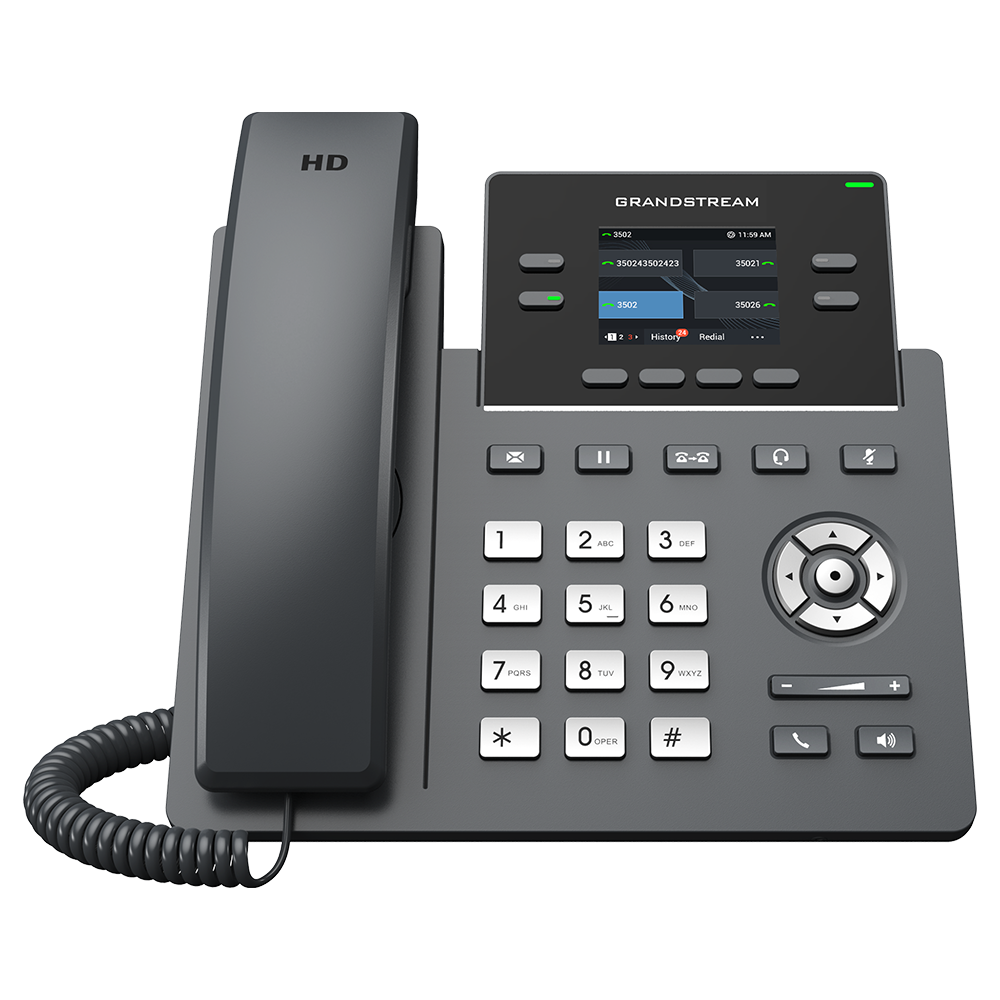
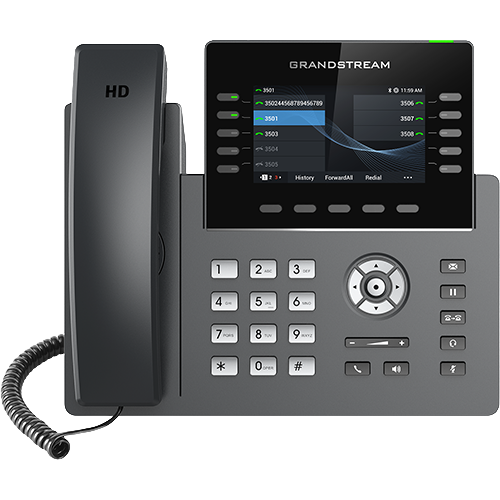
Grandstream describes GRP as a carrier-grade range intended for centrally managed deployments, with professional and essential phone groups. GDMS provides a management path for configuration, provisioning and monitoring. These are deployment capabilities; the phone still needs a compatible calling service.
Choose by operational role
For a shared desk, prioritize simple controls and a repeatable reset procedure. For an agent, verify headset support and the required transfer and queue actions. For reception, count the monitored colleagues that must be visible simultaneously rather than comparing only SIP account totals.
Treat PoE, Gigabit Ethernet, Wi-Fi, Bluetooth and expansion support as exact-model questions. A feature elsewhere in the GRP family is not evidence that every GRP phone includes it.
Fleet ownership questions
Establish who controls the provisioning account, firmware policy and device administrator credentials. Ask whether devices arrive assigned to another organization's management tenant and what release process is required. Keep an inventory linking each device to its intended user and support owner.
Before standardizing
Obtain the exact manufacturer's datasheet and the PBX or hosted provider's supported-device documentation. Pilot incoming calls, transfers, message indicators and recovery after network interruption. This hub identifies the research path; model specifications are intentionally not inferred from the family description.
Distinguish analog gateway roles
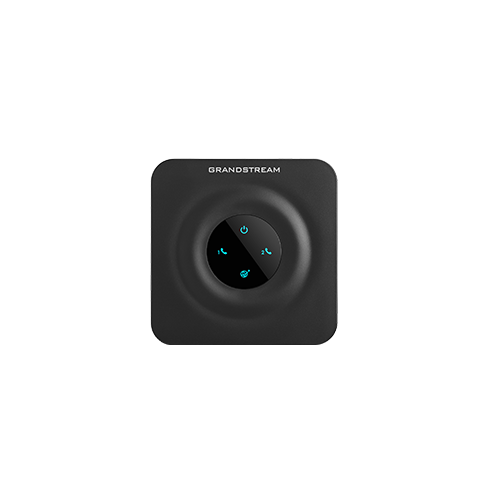
The Grandstream directory also contains FXS adapters and gateways, FXO gateways, DECT equipment and facility endpoints. Choose by the electrical and call-routing role, not by brand alone. The HT841 and HT881 bring multiple analog lines into a SIP environment; their FXO ports are not replacements for FXS ports that power telephones.
Record the exact model and port mapping, then test analog supervision, authorization and failure behavior with the real line and PBX.
Separate conference-room operating modes
The GAC2570 combines SIP telephony, Android applications, wireless interfaces, room microphones and a separate GVC control application. Specify the accepted workflow and service before comparing microphone reach or conference counts. Room acoustics and accessory placement still require on-site acceptance.
Separate indoor intercoms from outdoor horns
The GSC3518HS is a current outdoor, high-output SIP/multicast talk-back horn with PoE++ input and optional downstream PoE+. It is not an outdoor version of the GSC3510: compare ingress, mounting, sound exposure, power and permitted microphone use as separate exact-model decisions.
Keep door calling and access control separate
The GDS3727 combines a SIP video door station, camera, credential reader, relay, sensor inputs, Wi-Fi and cloud or local management. Its Wi-Fi 6 interface does not make the installation wire-free: power, locks, sensors and safe egress remain physical-system questions. Treat SIP interoperability, video privacy, credential administration and door-control acceptance as separate workstreams.
Keep hotel-phone variants exact
The GHP630 is the white, wired member of Grandstream's color-screen hotel-phone group. It has no built-in Wi-Fi and depends on PoE, while the GHP630W adds Wi-Fi 6 and a power-adapter path. Do not transfer radio, power, color or packaging details between the GHP630, GHP630W, GHP631 and GHP631W. The hotel-phone category keeps room workflow, emergency policy, privacy and turnover acceptance separate from model specifications.
Keep video-phone operating systems and apps versioned
The current GXV3480 product and documentation pages specify Android 14, while its 2022 launch announcement describes Android 11. Treat the operating system, firmware branch, installed apps and provisioning policy as a recorded deployed state rather than copying an older launch specification. The Android video-phone category keeps SIP, video, application, privacy and fleet controls separate.
Keep HT802 hardware generations separate
Grandstream publishes separate product records for the HT802 and HT802 v2. Both current product pages describe two FXS ports, two SIP profiles and one 10/100 Mbps Ethernet port, so the v2 label is not evidence of Gigabit networking or an FXO line input. Match the exact chassis label to the supported firmware and provisioning record before replacement or reuse.
Keep one-way paging speakers distinct from talk-back models
The GSC3506 v2 is a current 30 W SIP and multicast paging speaker whose official comparison lists no microphone. Do not transfer the GSC3510 or GSC3516 talk-back behavior to it, and do not interpret the datasheet's push-to-talk feature label as evidence of a local microphone. Compare mounting, PoE class, line output, switch and alarm inputs, paging priority and installed-room acceptance on the exact model.
Keep extension modules tied to the exact host
The GBX20 is a programmable-key display accessory, not a standalone SIP phone. Grandstream's current product page and March 2023 datasheet list the GRP2615, GRP2624, GRP2650, GRP2670, GXV3350 and GXV3450, while the older quick installation guide names only the GRP2615, GRP2624 and GXV3350 in its setup paths. Resolve the exact host firmware, management menu and power rule before deployment rather than combining those records into an assumed compatibility guarantee.
Keep GRP2614 hardware revisions on their own firmware lanes
The current GRP2614 guide separates legacy hardware revision 1.x from non-legacy revision 2 or later using the product label, and treats Wi-Fi 6 as hardware-version-5.0-or-later evidence. Grandstream's firmware directory says the 1.0.15.x branch does not apply to legacy GRP261x hardware and requires transition firmware before a supported non-legacy move from the older branches. Inventory the exact part number, hardware revision and installed firmware before assigning a fleet policy.
Separate GRP2612 variants, revisions and firmware lanes
The refreshed GRP2612 family guide keeps the base, P, W and G interfaces separate and records the manufacturer documentation's lifecycle split. Current guides classify GRP2612 and GRP2612P as legacy models discontinued after 2020 and GRP2612W as current supported hardware, while grouped product and firmware pages also cover GRP2612G and later revisions. General 1.0.13.127, beta 1.0.15.19, transition firmware and the legacy-hardware exclusion remain different evidence; identify the exact label before provisioning or purchase.
Size Grandstream DECT by the base, not the handset headline
The refreshed DP752 base and DP735 handset records resolve a material capacity boundary. DP735 can expose as many as 20 accounts with a DP755, while the DP752 administration guide limits that system to five handsets, 10 accounts and five concurrent calls. Grandstream's current DP752 product page also contains a 10-versus-20 account conflict between its feature list and comparison widget, so the guide uses the lower exact-model administration value until the manufacturer reconciles it.
Keep DP755 system, handset and call limits separate
The DP755 raises the single-cell ceiling to ten associated handsets, 20 SIP accounts and eight concurrent calls in Grandstream's administration guide. Those are independent limits. The same first-party material also conflicts on whether a handset can access ten or 20 lines, so the exact model, handset, firmware and required mapping need a current answer and acceptance test rather than a blended family specification.
Keep the WP856's Android and data-capture boundary visible
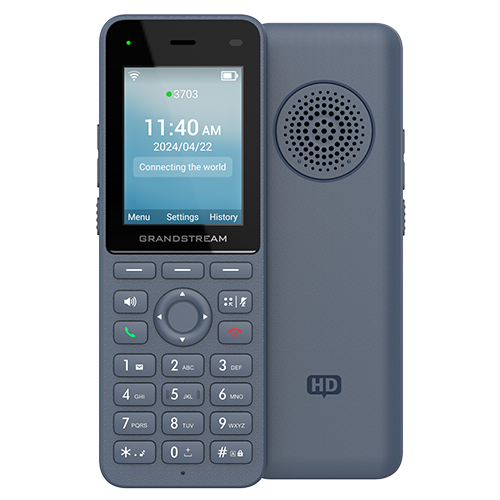
The WP856 reference covers a rugged Wi-Fi smartphone with a built-in scanner. Its Android applications, Google services, scanner, NFC, camera, SIP identities and roaming path remain separate deployment evidence.
Keep the GHP631W's black W boundary visible
The GHP631W reference covers the black model with integrated dual-band Wi-Fi 6, local-adapter and PoE paths. Its white GHP630W sibling and wired GHP630 or GHP631 siblings remain separate SKUs; the shared display and family documentation do not erase their color, radio, power or package differences.
Use the complete GHP63x color and radio matrix
The current references now cover white wired GHP630, white Wi-Fi 6 GHP630W, black wired GHP631 and black Wi-Fi 6 GHP631W. Select by exact label and commissioned network and power path.
Keep GRP2670 touch, radio and expansion evidence together
The GRP2670 reference separates 12 lines, 16 SIP accounts, 48 virtual keys, the seven-inch touch display, hardware-version-dependent Wi-Fi 6, GBX20 expansion and current general-versus-beta firmware lanes. Capture the physical label and complete workstation before treating one family claim as installed capability.
Separate the DP760 relay from its DP75x base
The Grandstream DP760 extends supported DP750, DP752 or DP755 radio coverage but does not add SIP accounts or remove the base's system limits. Its documented two-call relay ceiling, association, overlap, power and independent firmware state require their own acceptance evidence.
Add the WP836 without merging it into the WP826 or WP856
The WP836 is a rugged voice handset with configurable alarms; the WP826 is a different voice endpoint, and the WP856 is an Android mobile computer with scanning and NFC. Keep exact model, firmware, enclosure evidence, alarm path and worker workflow separate.
Compare the GDS3712 by exact intercom and door-control role
The GDS3712 guide separates SIP calling, video, relays, inputs and the physical opening. It should not inherit keypad, RFID, Wi-Fi or management assumptions from another GDS model.
Keep the GRP2624 hardware revision attached to its radio claim
The GRP2624 reference separates eight lines, twelve SIP accounts, programmable keys, GBX20 contacts, hardware-version-dependent Wi-Fi 6 and current firmware lanes. Use the Wi-Fi diagnostic when the installed radio evidence disagrees.
Watch the explanation
Start with the physical connections and continue through the operations a new GRP2624 user will need: answering, holding, transferring, conferencing and checking messages. The guide connects the phone’s softkeys to the provider’s shared voicemail and parking setup. Its wiring explanation is also a useful companion when a desk shares one network cable between a computer and phone.
Read applicability and editorial notes →Watch this video here
Lightspeed Voice’s GRP2624 configuration. Hardware revisions and later firmware can change capacity or available menus. Review used the available transcript and primary references; audio and screen readability remain unverified.

The player loads only when you choose Watch here. Playback uses YouTube’s privacy-enhanced embed; YouTube processes playback data.
This concise unboxing helps answer a common purchasing and setup question: which box contains the networked DECT base, and which contains the handset and its charging cradle? The base and charger have different jobs. Watch this orientation before the longer pairing and account-assignment tutorial if you are new to cordless SIP phones.
Read applicability and editorial notes →Watch this video here
DP720 handset and DP750 base demonstration. Packaging, bundles and compatible base options can change. Review used the available transcript and primary references; audio and screen readability remain unverified.

The player loads only when you choose Watch here. Playback uses YouTube’s privacy-enhanced embed; YouTube processes playback data.
Sources & applicability
Primary references for the technical details above. Operational examples and planning checklists are VoIP.info editorial guidance.
- Grandstream carrier-grade IP phones ↗
- Grandstream HT841/HT881 product specifications ↗
- Grandstream HT841/HT881 user manual ↗
- Grandstream firmware and release-note directory ↗
- Grandstream GAC2570 datasheet ↗
- Grandstream GSC3518HS product page ↗
- Grandstream GDS3720 Series product page ↗
- Grandstream GDS3720 Series datasheet ↗
- Grandstream hotel phone catalogue ↗
- Grandstream GHP630 and GHP631 product page ↗
- Grandstream GXV3480 product page ↗
- Grandstream GXV3480 datasheet ↗
- Grandstream GXV34xx official firmware ↗
- Grandstream HT802 v2 product page ↗
- Grandstream GSC3506 v2 product page ↗
- Grandstream GBX20 product page ↗
- Grandstream GRP2612(P/W/G) product page ↗
- Grandstream GRP2612 datasheet ↗
- Grandstream GRP26xx user guide ↗
- Grandstream GRP26xx administration guide ↗
- Grandstream GRP261x beta-test firmware notes ↗
- Grandstream DP752 product page ↗
- Grandstream DP735 product page ↗
- Grandstream DP752 administration guide ↗
- Grandstream DECT handset user guide ↗
- Grandstream DP755 product page ↗
- Grandstream DP755 administration guide ↗
- Grandstream WP856 product page ↗
- Grandstream WP856 user guide ↗
- Grandstream WP856 administration guide ↗
- Grandstream WP856 data sheet ↗
- Grandstream GHP630 and GHP631 datasheet, version 5.2025 v2 ↗
- Grandstream GHP63x user guide ↗
- Grandstream GHP63x administration guide ↗
- Grandstream GHP6xx FAQ ↗
- Grandstream Device Management System documentation ↗
- Grandstream GRP2670 product page ↗
- Grandstream GRP2670 datasheet, version 3.2025 v2 ↗
- Grandstream GBX20 extension-module datasheet ↗
- Grandstream DP760 product page ↗
- Grandstream DECT deployment guide ↗
- Grandstream DP760 quick installation guide ↗
- Grandstream WP836 product page ↗
- Grandstream WP836 datasheet ↗
- Grandstream WP816, WP826 and WP836 user guide ↗
- Grandstream WP816, WP826 and WP836 administration guide ↗
- Grandstream WP836 quick installation guide ↗
- Grandstream compliance resources ↗
- Grandstream GDS3712 product page ↗
- Grandstream GDS3712 datasheet ↗
- Grandstream GDS3710/GDS3712 user manual ↗
- Grandstream GDS3712 quick installation guide ↗
- Grandstream GDS37xx and GRP26xx integration guide ↗
- Grandstream GDS37xx digital input configuration ↗
- Grandstream GDS37xx event logs guide ↗
- Grandstream GRP2624 product page ↗
- Grandstream GRP2624 datasheet ↗
- Grandstream GRP2624 quick installation guide ↗
- Grandstream GRP26xx firmware upgrade guide ↗