Understand the current portfolio
HP's Poly phone portfolio includes Edge desk phones, CCX devices, Rove DECT equipment and Trio conference products. Different families solve different problems; a familiar brand name does not make firmware, accessories or provisioning interchangeable.
The Rove B2 is a single- or dual-cell base system, while the Rove 30 is a compatible handset. Treat system scale, radio coverage and handset durability as separate purchasing decisions.
Desk-phone selection
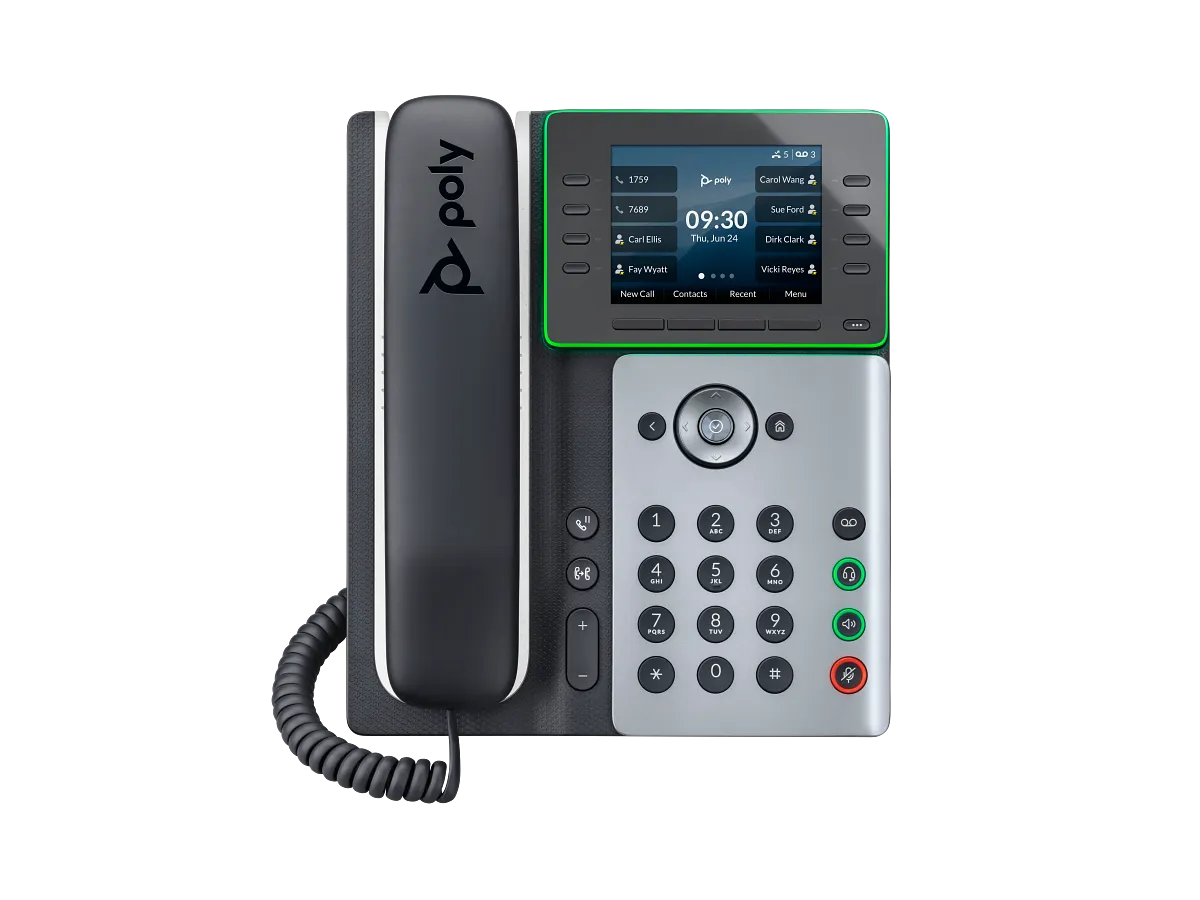
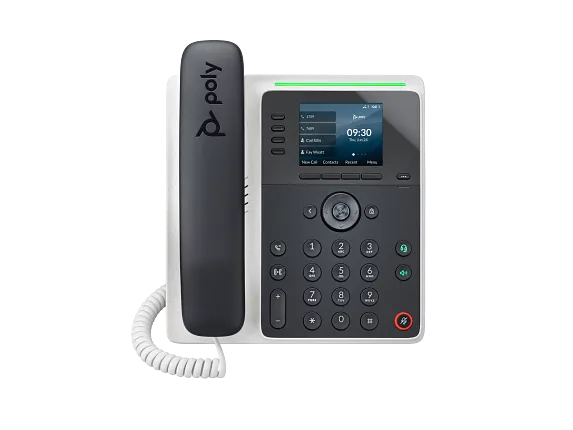
The Edge E350 is a useful reference for a desk requiring wired and wireless connectivity. Confirm physical keys, headset interfaces and power requirements against the exact model. More displayed contacts do not necessarily mean more simultaneous audio calls.
Wired high-key-count Edge boundary
The Edge E500 is a current exact-model reference for a five-inch wired desk phone with two expansion-module positions. Keep it distinct from the wireless-capable E550, and preserve HP's unresolved 48-versus-34 line statement rather than turning keys, lines, contacts and simultaneous calls into one capacity number.
Platform and procurement checks
Ask the calling provider to identify its supported firmware and feature limitations. Native calling-platform integration, generic SIP registration and a managed provisioning experience are different claims. Test the features your users actually rely on, including transfer, directory lookup and message waiting.
For previously deployed phones, verify management ownership and the release process before purchasing. Confirm that required accessories and a suitable power source are included in the order.
Room and mobile alternatives
A conference room needs microphone coverage and echo handling assessed in that room. Mobile workers need a coverage and roaming plan. Use the conference-phone guide and cordless guide to define those requirements before choosing a model. Product listings describe available research subjects, not a promise of remaining support life.
For Rove deployments, document whether the design uses one or two B2 bases, the handset count, concurrent-call requirement and every required coverage area. Manufacturer maximums do not replace an on-site radio survey.
Teams desk-phone boundary
The CCX 350 and CCX 400 references share a current Teams certification family but not the same interface: the 350 uses a compact non-touch display with a physical dial pad, while the 400 uses a larger touch display. Keep exact hardware, orderable mode, firmware, tenant workload and user acceptance attached to the selected model rather than inheriting behavior across the CCX name.
USB and Bluetooth room-audio boundary
Poly's Sync family is host-connected room audio rather than a standalone SIP-phone family. The Sync 40 reference separates its combined USB cable, smartphone Bluetooth path, optional or included BT700 adapter, Teams-specific model controls and two-unit audio link. The laptop, mobile device or meeting application still owns the account, call signaling, meeting join and emergency behavior.
Use the USB and Bluetooth speakerphone guide to define room, host, application, privacy and acceptance requirements before treating a connected audio device as ready for a shared space.
Add the B4 multicell and Rove 40 rugged boundaries
The Rove B4 multicell base separates bases, registrations, concurrent calls, synchronization, network and firmware at enterprise scale. The Rove 40 handset adds Bluetooth, a dedicated emergency key and rugged workplace controls while keeping every service action and protection claim deployment-specific.
Watch the explanation
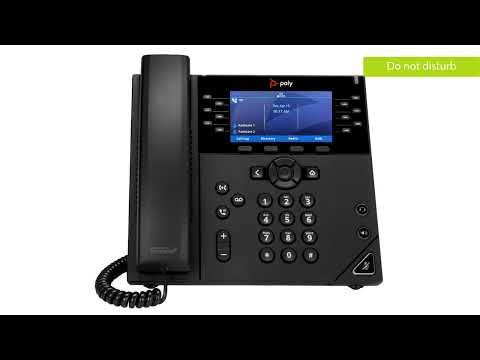
Work through a VVX 450’s daily operations, including selecting a waiting call, consulting before transfer, conferencing, voicemail and forwarding. The provider context helps explain why two otherwise identical phones can expose different softkeys or park destinations. Use the broader phone guide for orientation and the transfer troubleshooting page when a successful key sequence still fails to complete the handoff.
Read applicability and editorial notes →Watch this video here
Arvig Hosted PBX configuration on a Poly VVX 450. This is a VVX interface, not a Poly Edge E tutorial. Review used the available transcript and primary references; audio and screen readability remain unverified.
The player loads only when you choose Watch here. Playback uses YouTube’s privacy-enhanced embed; YouTube processes playback data.
Sources & applicability
Primary references for the technical details above. Operational examples and planning checklists are VoIP.info editorial guidance.
- HP Poly phone portfolio ↗
- HP Poly Rove wireless phone family ↗
- HP Poly Rove B2 base station ↗
- HP Poly Rove 30 handset ↗
- HP Poly USB and Bluetooth speakerphone family ↗
- HP Poly Edge E500 product and technical specifications ↗
- HP Poly Edge E expansion-module quick start ↗
- HP Poly Rove B4 North American product and specifications ↗
- HP support: Rove B4 specifications ↗
- HP support: Rove B4 guides and current release documentation ↗
- HP Poly Rove DECT IP Phone Administrator Guide 8.0.11 ↗
- HP Poly Rove site planning and deployment guide ↗
- HP Poly Rove DECT IP Phones release notes ↗
- HP Poly Rove 40 North American product and specifications ↗
- HP support: Rove 40 specifications ↗
- HP support: Rove 40 guides and current release documentation ↗
- HP Poly Rove 40 datasheet ↗